Virtual phone platform built for AI
Powered by our proprietary Android virtualization engine, it provides a virtual phone environment for AI agents, AI workflows, and mainstream AI tools, with batch execution and programmable automation.

Why Choose VMOS Edge
Software-hardware integrated design deploys virtual Android environments locally for a low-latency, high-stability cloud phone experience.
Zero-Latency Local Compute
Cloud phones run on local hardware — no remote server needed. Responses are faster and the experience is close to a native device.
Proprietary Virtualization Engine
Supports Android 10 ~ 16 running in parallel with deep kernel optimizations, delivering performance on par with physical devices.
Data Security & Privacy
All data is stored on a local SSD. You retain full data sovereignty — nothing is uploaded to any cloud server.
Centralized Management
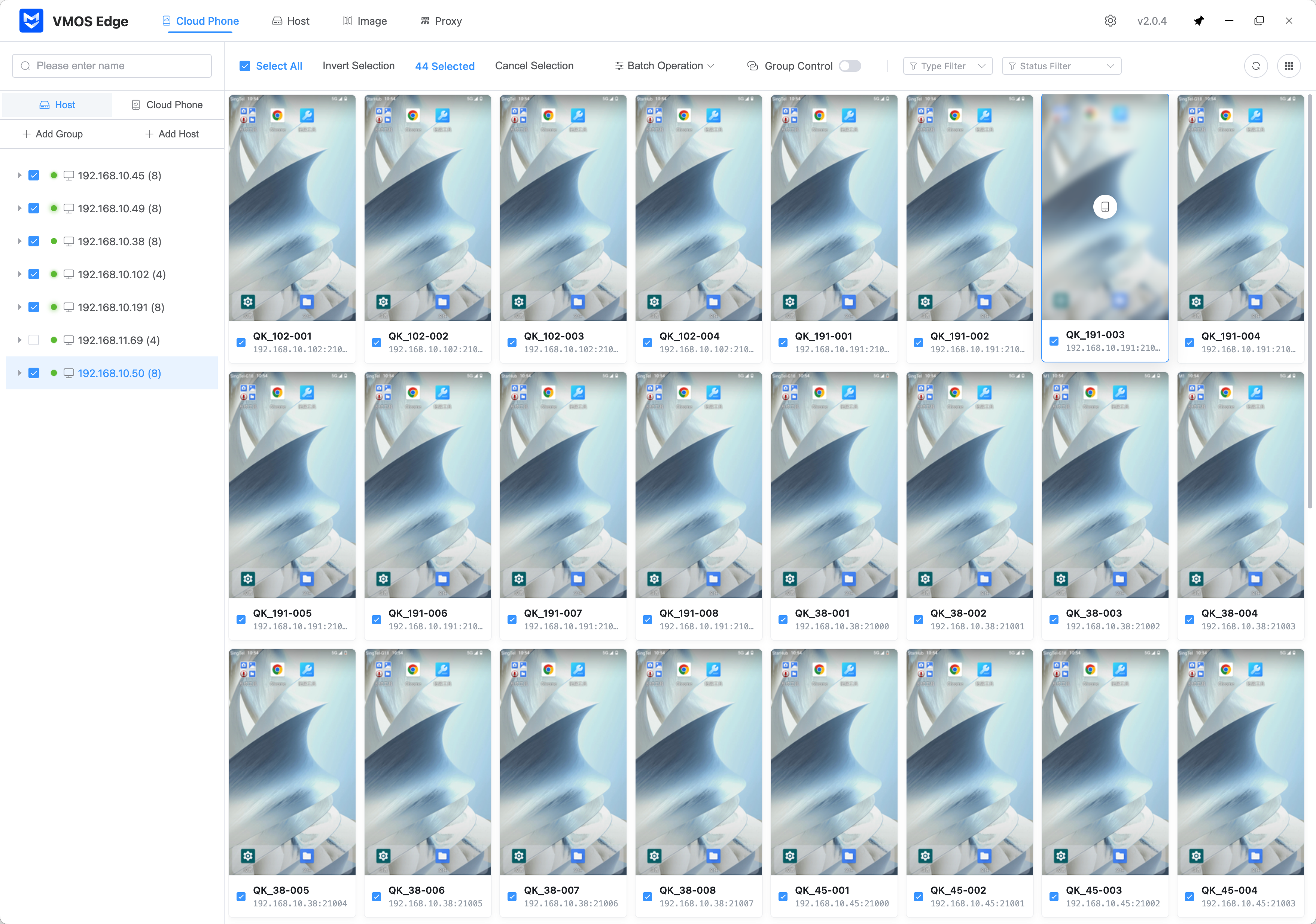
The PC client enables batch management, screen mirroring, and API integration across multiple devices and virtual machines.
AI-Driven Automation Capabilities
AI Agents Directly Operate Cloud Phones
Hand complex cloud-phone tasks straight to the AI Agent. You describe the goal, and it understands the interface, plans the steps, completes the actions, then sends the key result back.
AI Workflows Generate Reusable Automation Scripts
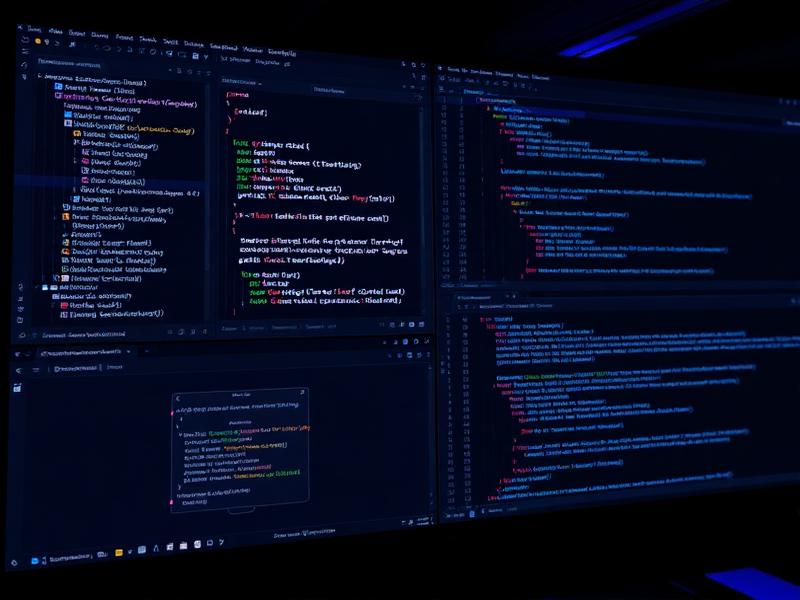
The built-in Coding Agent turns natural-language chat into automation scripts. After generation, you can keep editing, debugging, and saving them so one request becomes a reusable workflow.
Product Capabilities
Powerful Product Capabilities
Universal AI Tool Integration
Works with general AI tools such as Claude Code, Codex, Cursor, and Gemini, using MCP and skills to connect VMOS Edge controls without locking into a single client.
AI Agents
No fixed script is needed in advance. Just describe the task goal, and the AI can recognize the interface while completing search, click, input, and verification steps on the cloud phone, with results returned in real time.
Open Settings, enter Developer Options, and enable USB debugging.
AI Workflows
Built-in Coding Agent lets you generate automation scripts through natural-language chat, then keep editing, debugging, saving, and reusing them at scale.
One Box, Multiple Cloud Phones
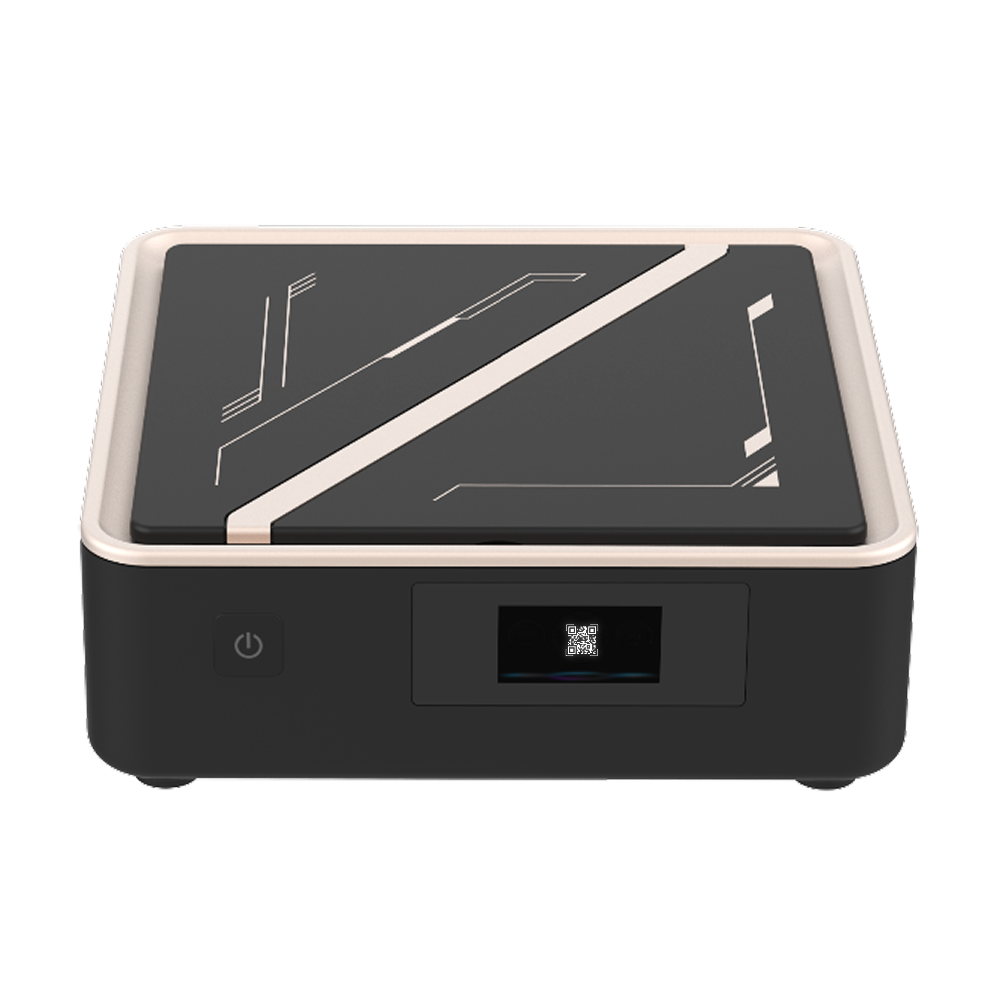
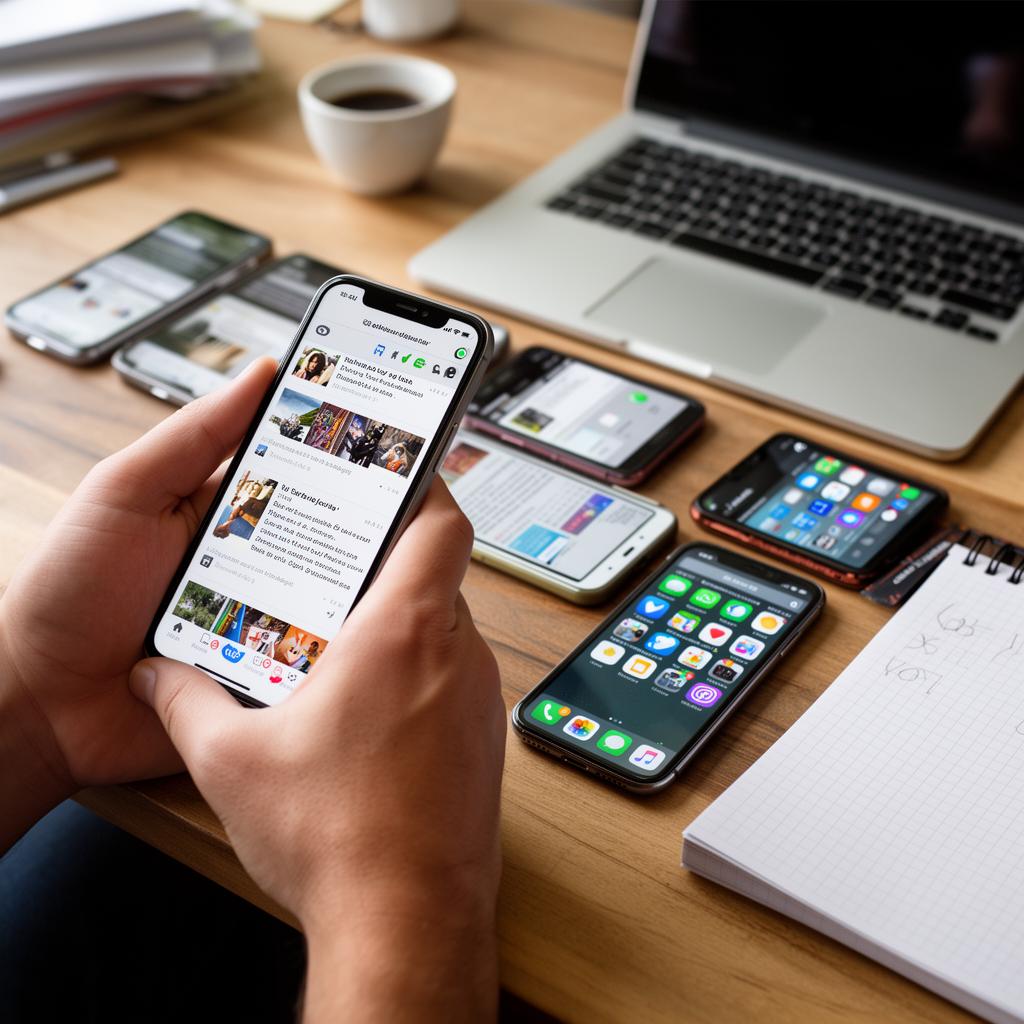
A single VMOS L1 can run multiple independent Android VMs simultaneously. Each instance has its own system environment, storage, and network configuration with full resource isolation.
Unified PC Management
Batch-manage all devices and VMs from the desktop client — real-time screen mirroring, file transfer, ADB debugging. One person can oversee hundreds of cloud phones.
Programmable Automation
REST API and JavaScript SDK let you control every VM instance precisely: start/stop, push files, take screenshots, inject touch events, execute shell commands — from quick scripts to production automation.
Hardware Specs
Multiple Hardware Options
All computing happens locally. Data never leaves your premises — built for any scale.


VMOS L1 Local Box
8-core chip, 32 GB RAM + 32 GB storage, up to 12 Android phones


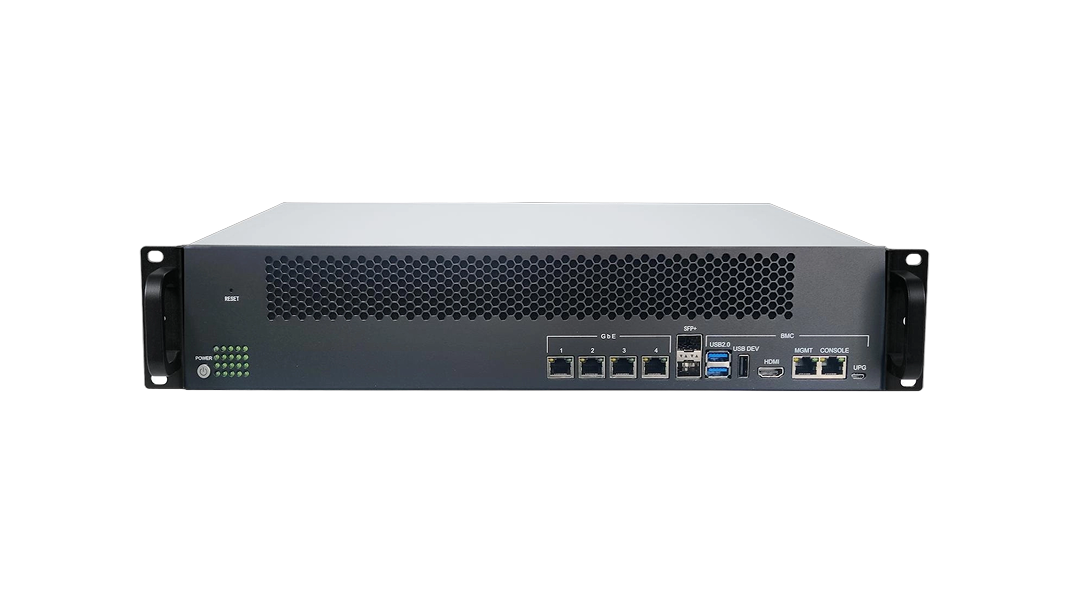
ARM Server (16-Node)
2U rack with 16 RK3588S nodes, up to 128 Android phones


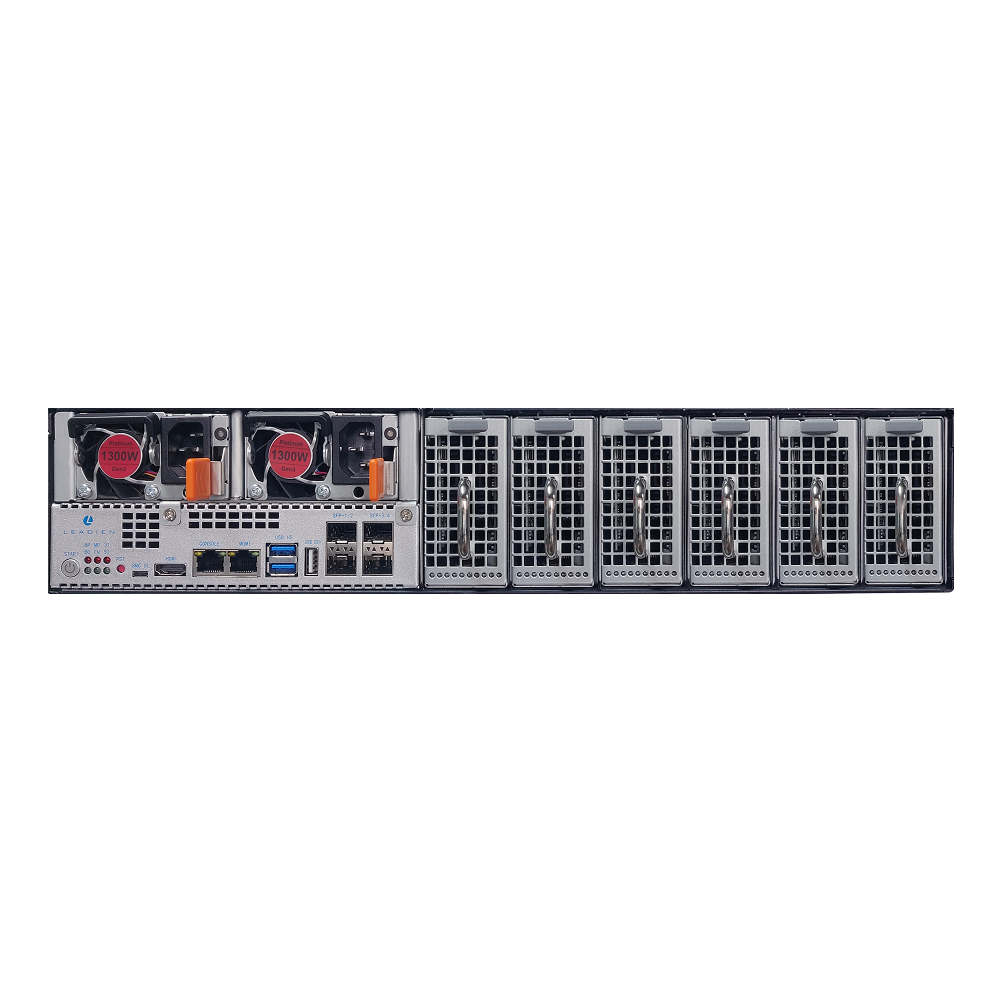
ARM Server (128 ARM)
2U blade server with 128 RK3588S nodes, up to 1,024 Android phones
Use Cases
Versatile Business Scenarios
From development and testing to commercial operations — VMOS Edge scales to your needs.
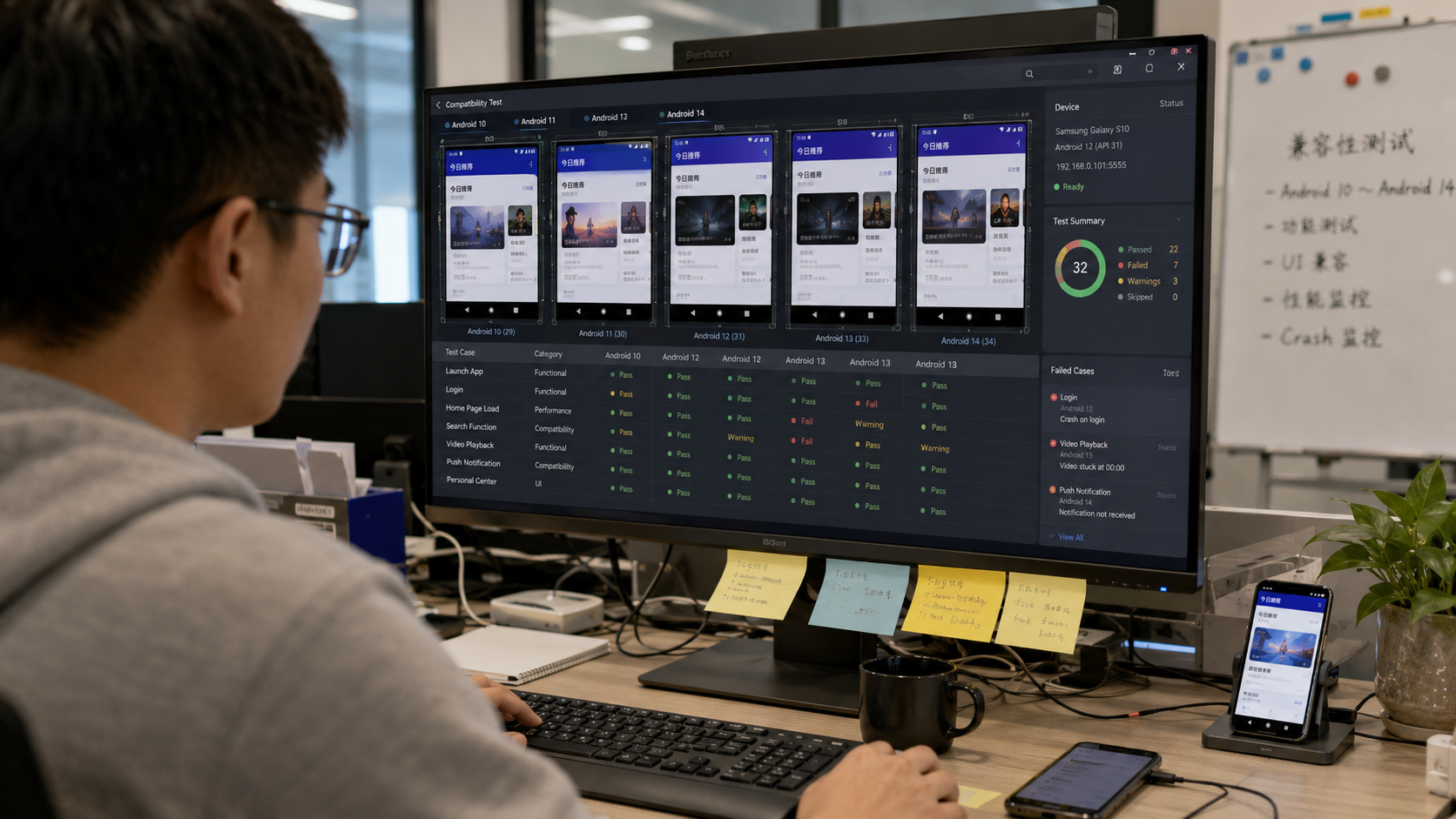
Multi-Version App Compatibility Testing
Run parallel tests across multiple Android versions to quickly surface compatibility issues and speed up development.
Automation Scripts & Batch Tasks
Automate repetitive tasks via API, reduce labor costs, and execute bulk operations at scale.
Isolated Multi-Account Operations
Each VM runs independently, providing full account isolation for safe and reliable multi-account management.
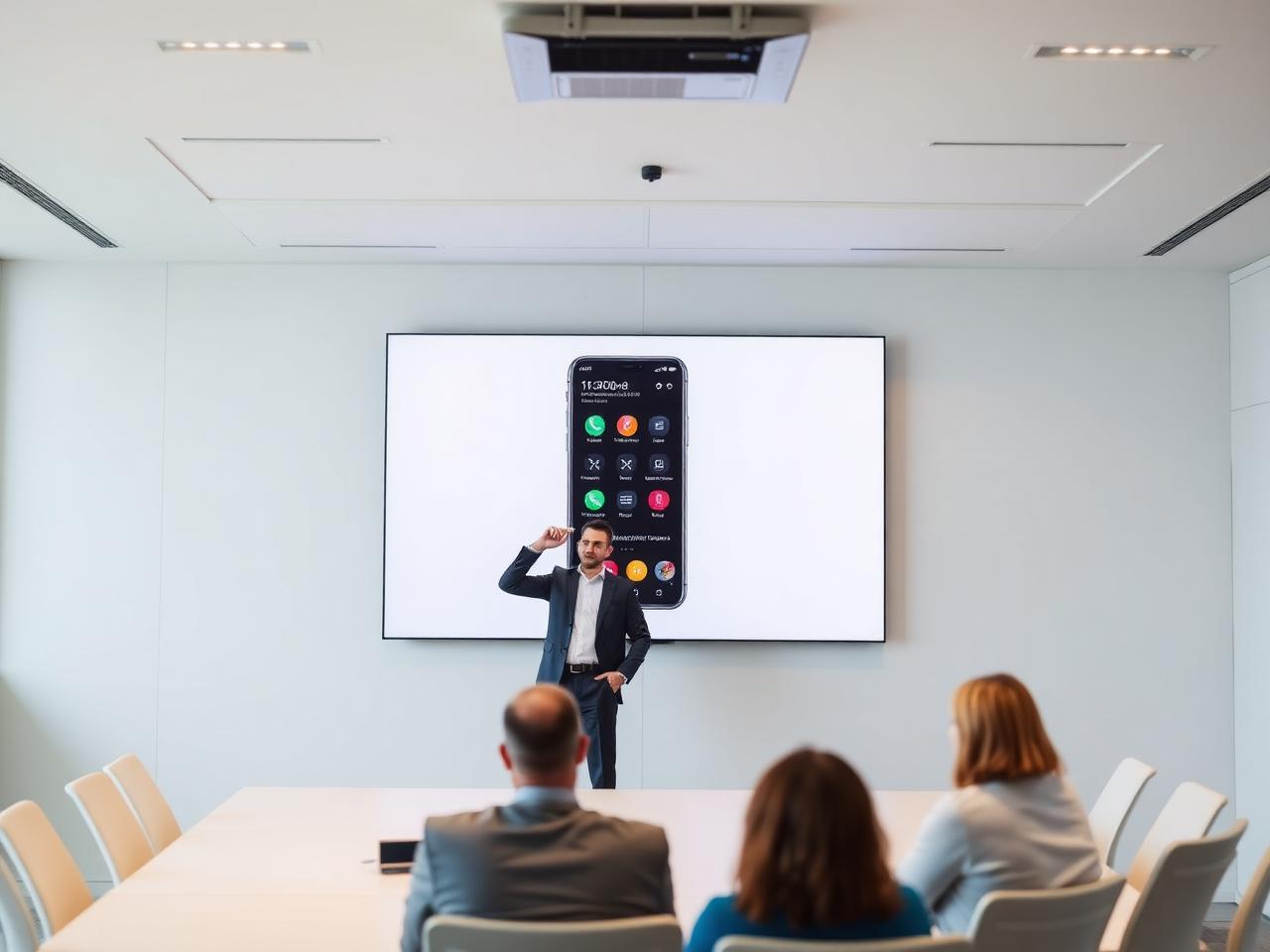
Teaching & Demo Screen Mirroring
Low-latency mirroring for classroom instruction, product demos, and live operation walkthroughs.